
ChatGPT
- Click your name in the lower left.
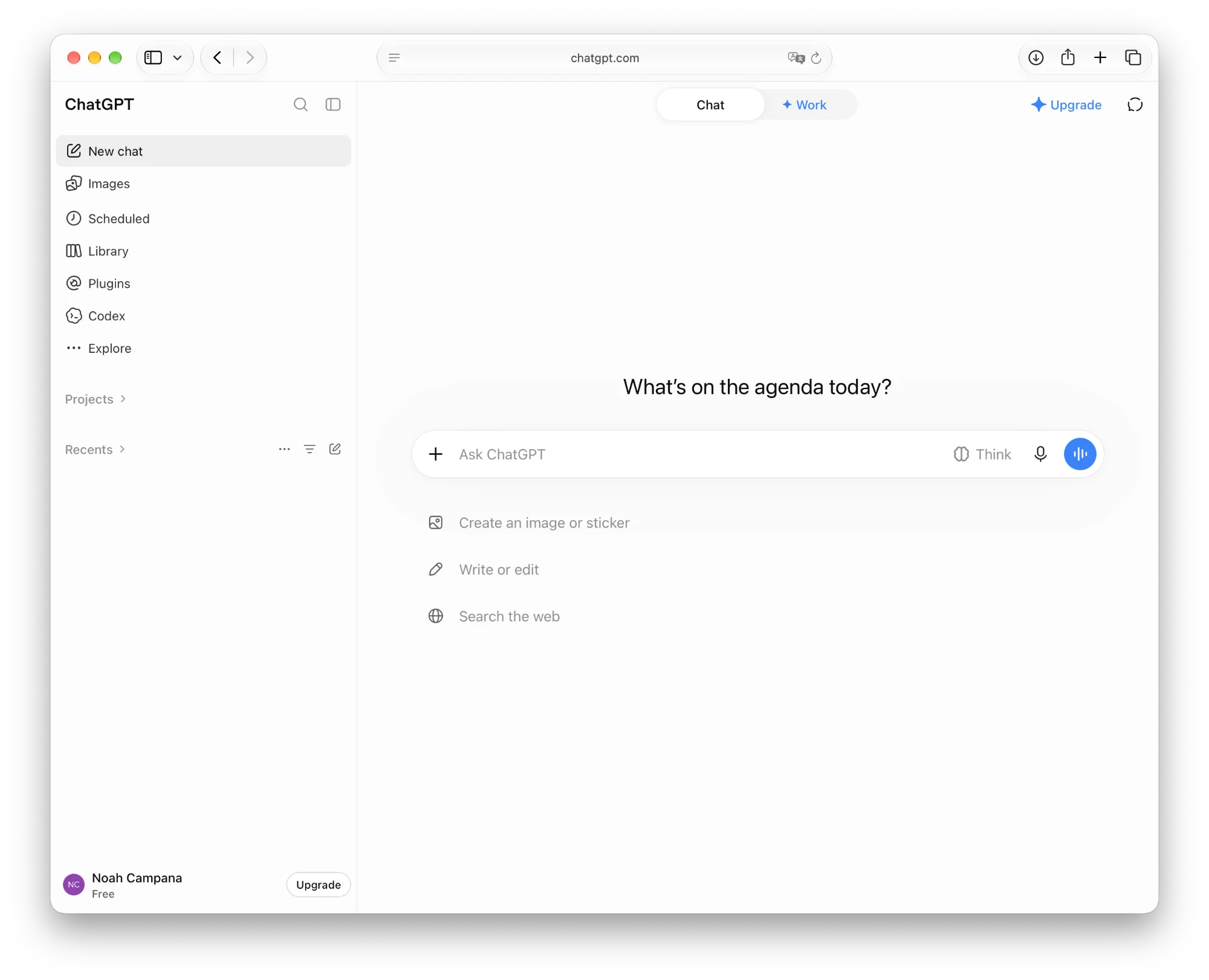
- Click “Settings”.
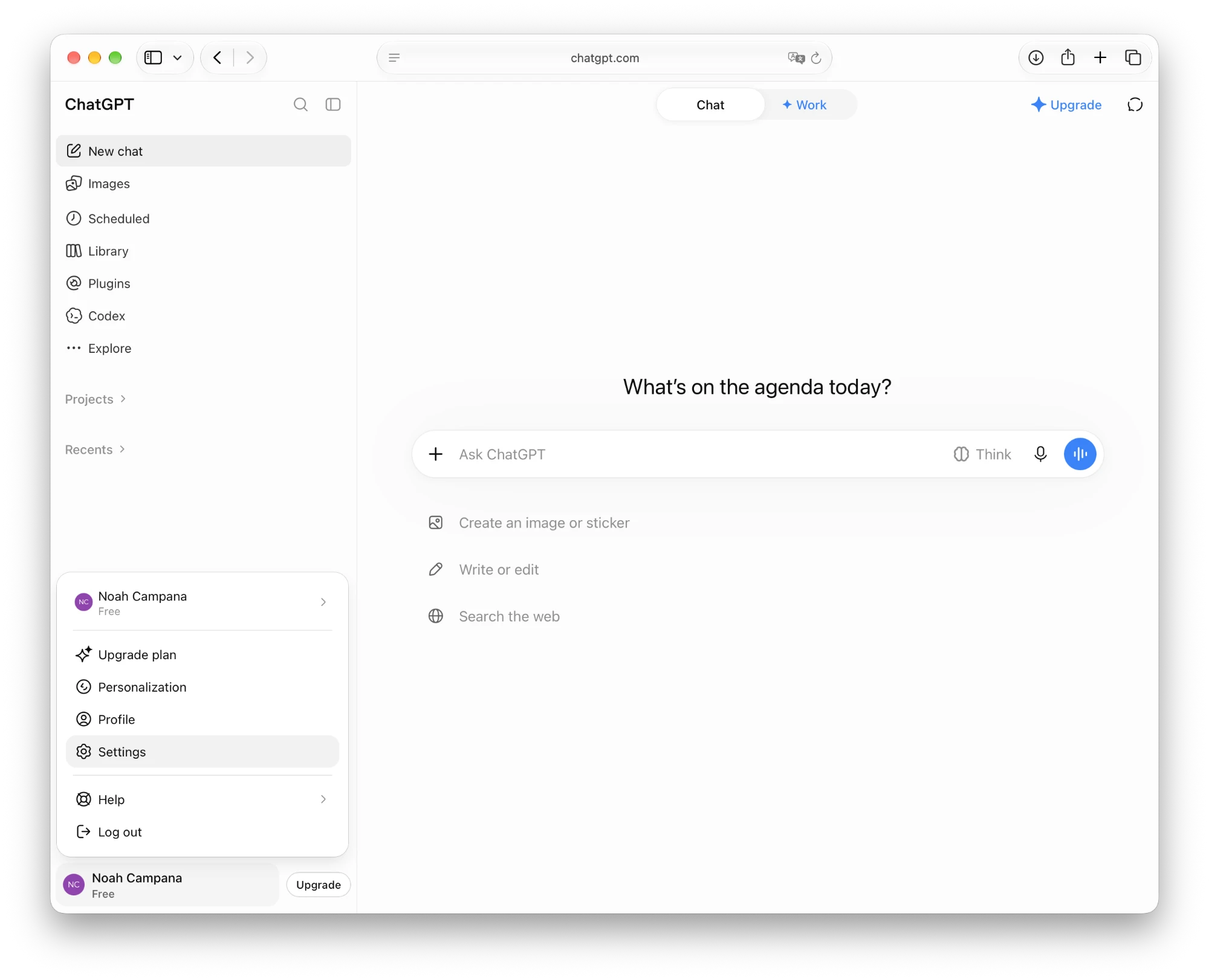
- Search for “developer” (it only shows up when you search) and click “Developer”.
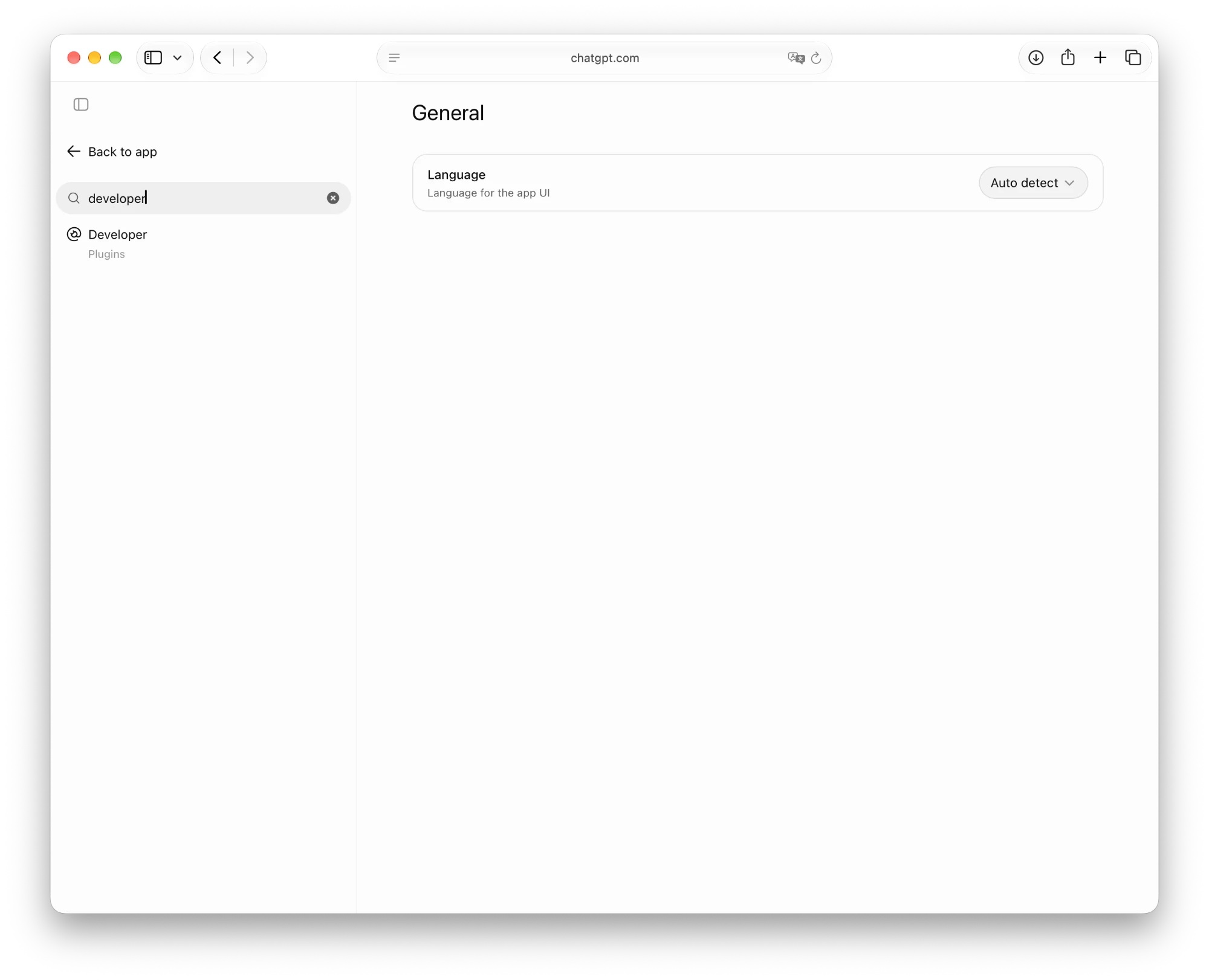
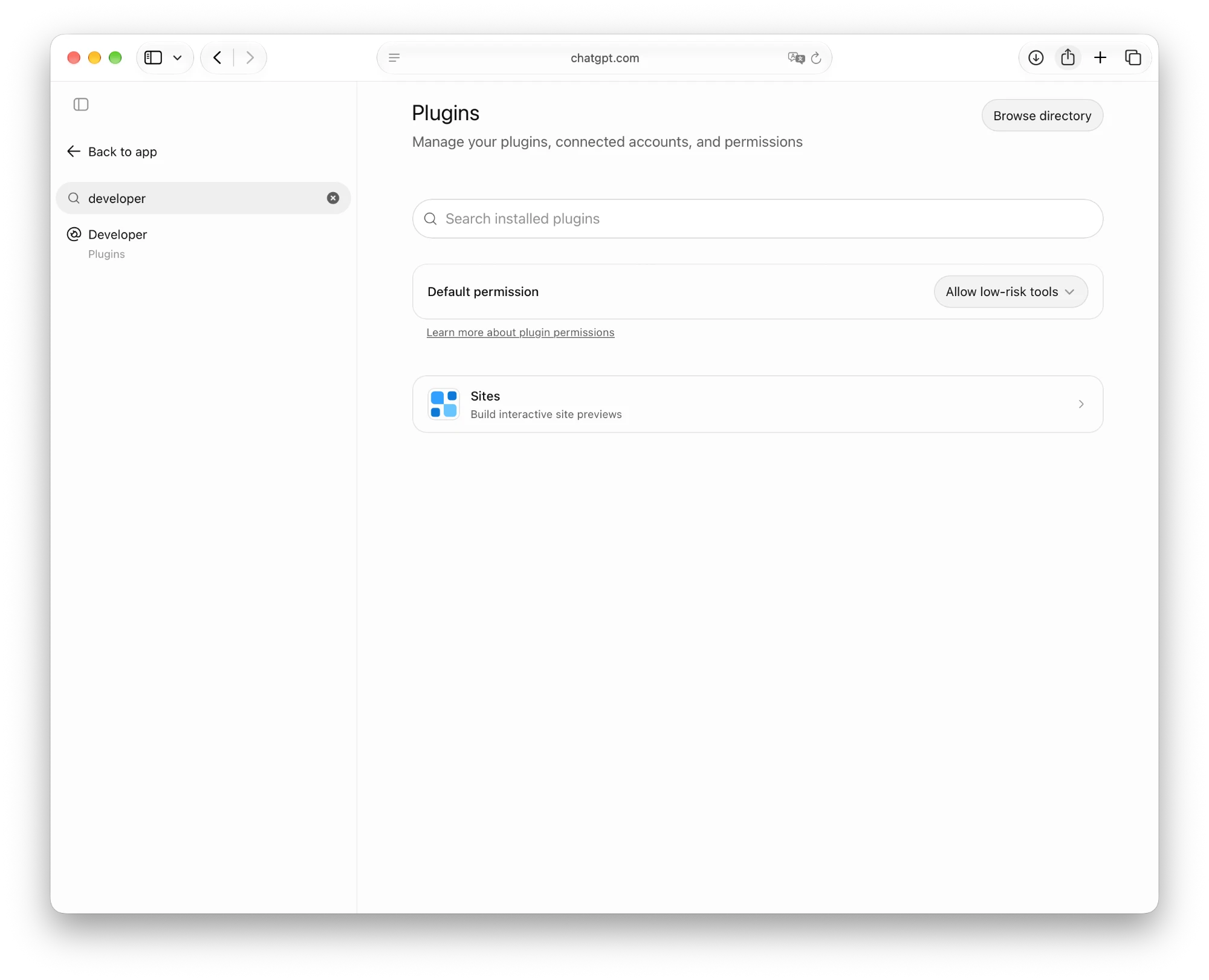
- Click “Browse directory”.
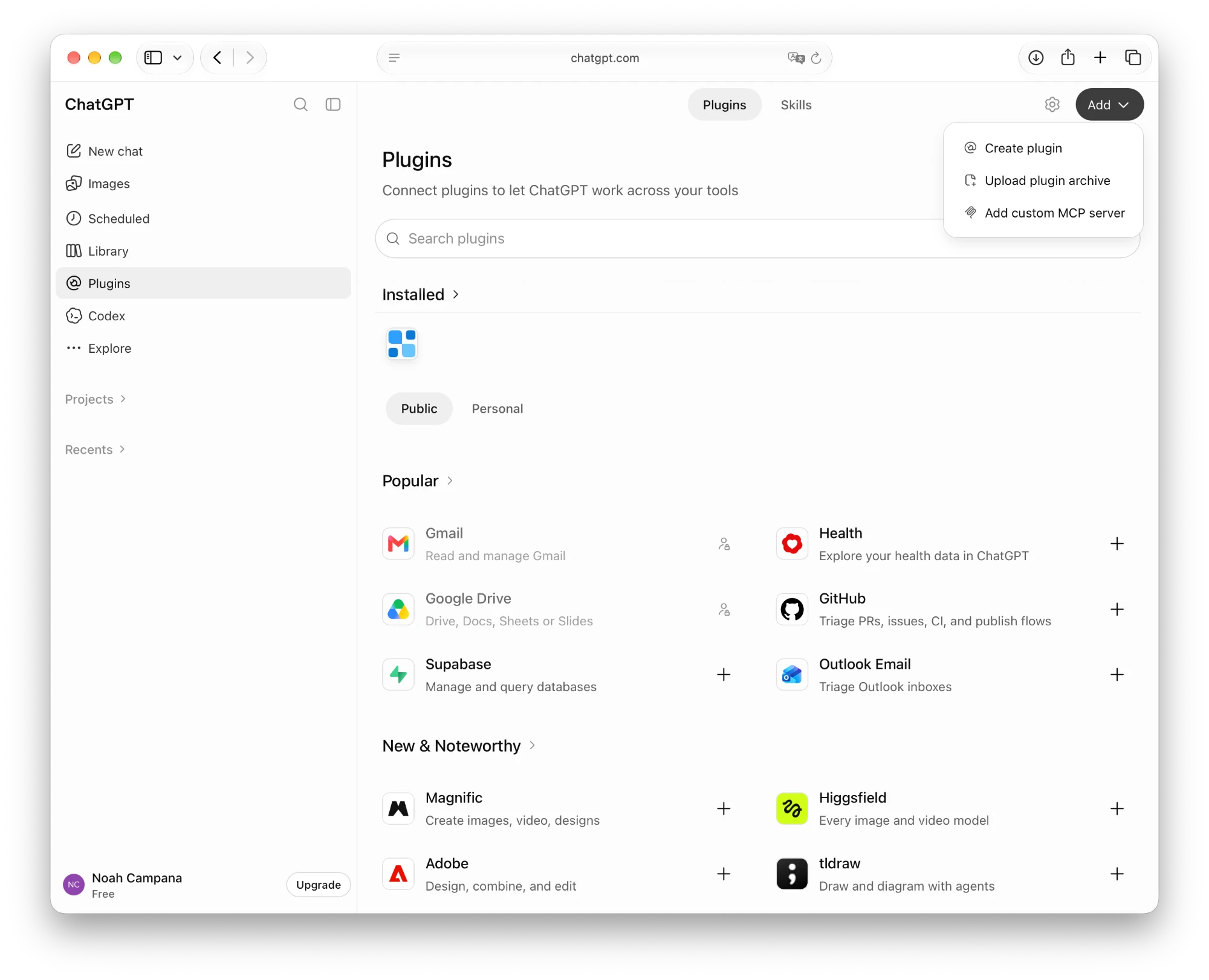
- Click “Add” at the top right, then “Add custom MCP server”.
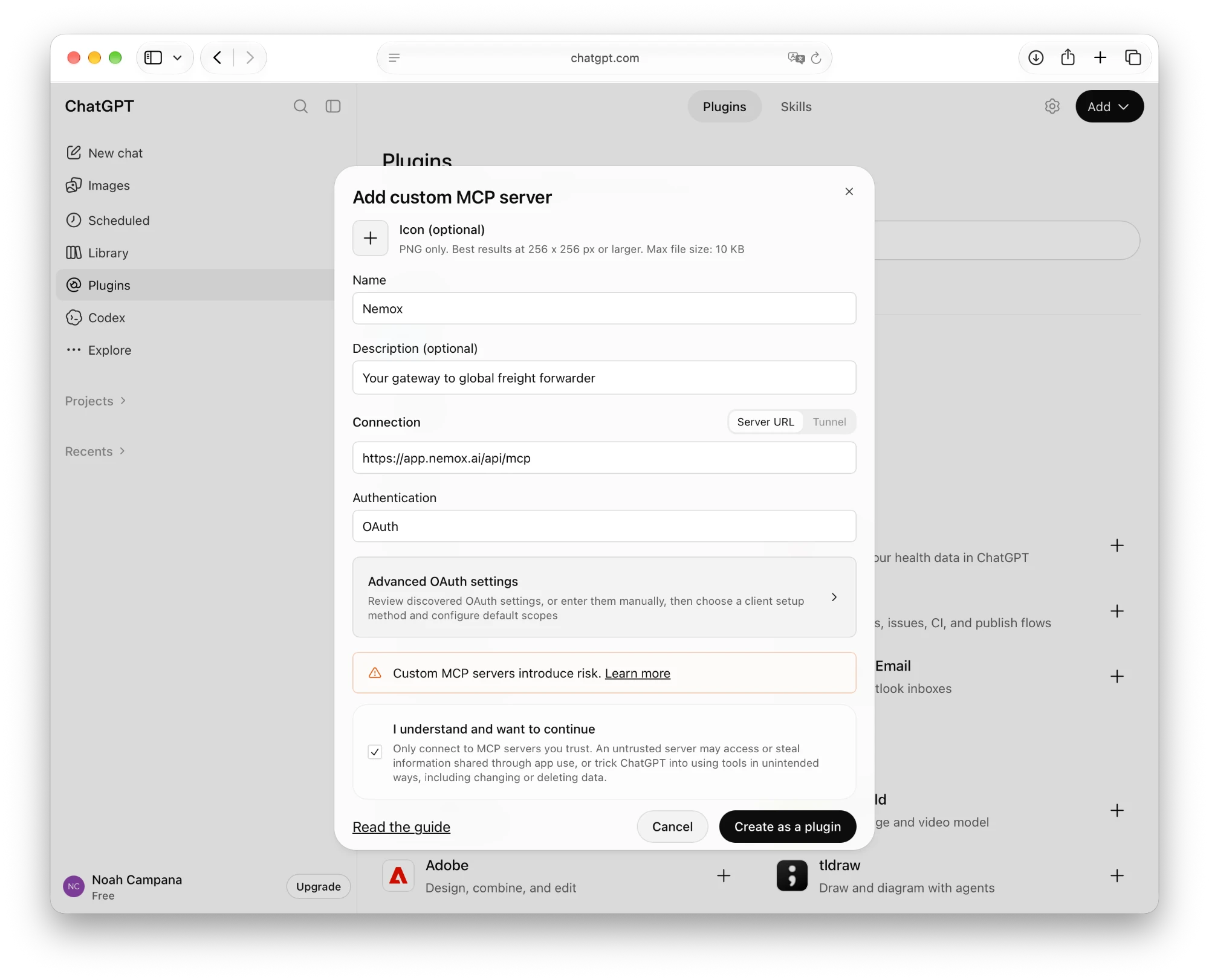
- Paste the values below into the fields of the same name and choose “OAuth”. Tick “I understand and want to continue” and click “Create as a plugin”.NamenemoxDescriptionGet freight quotes from your forwarders and book them.Server URLhttps://app.nemox.ai/api/mcp
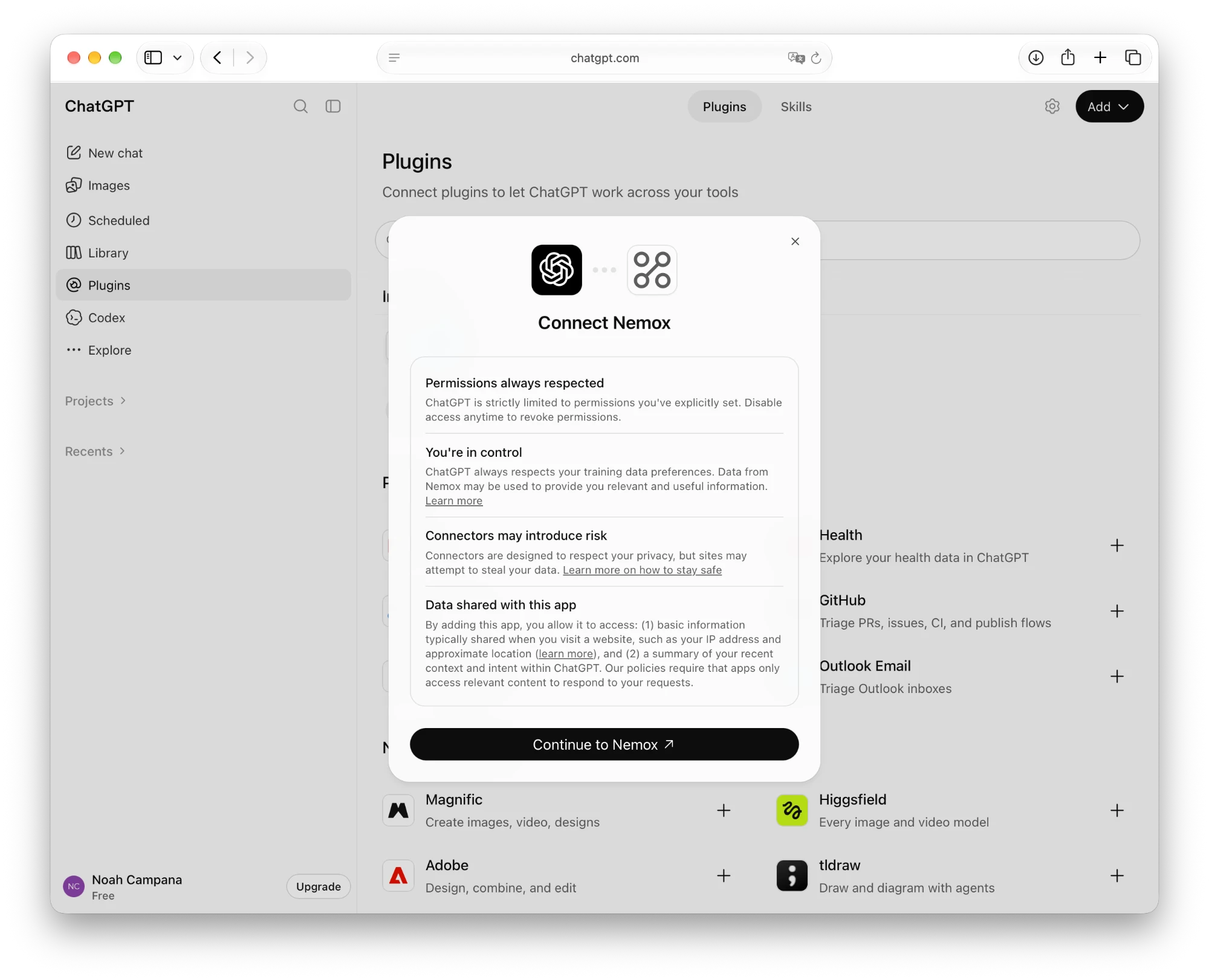
- Click “Continue to nemox”.
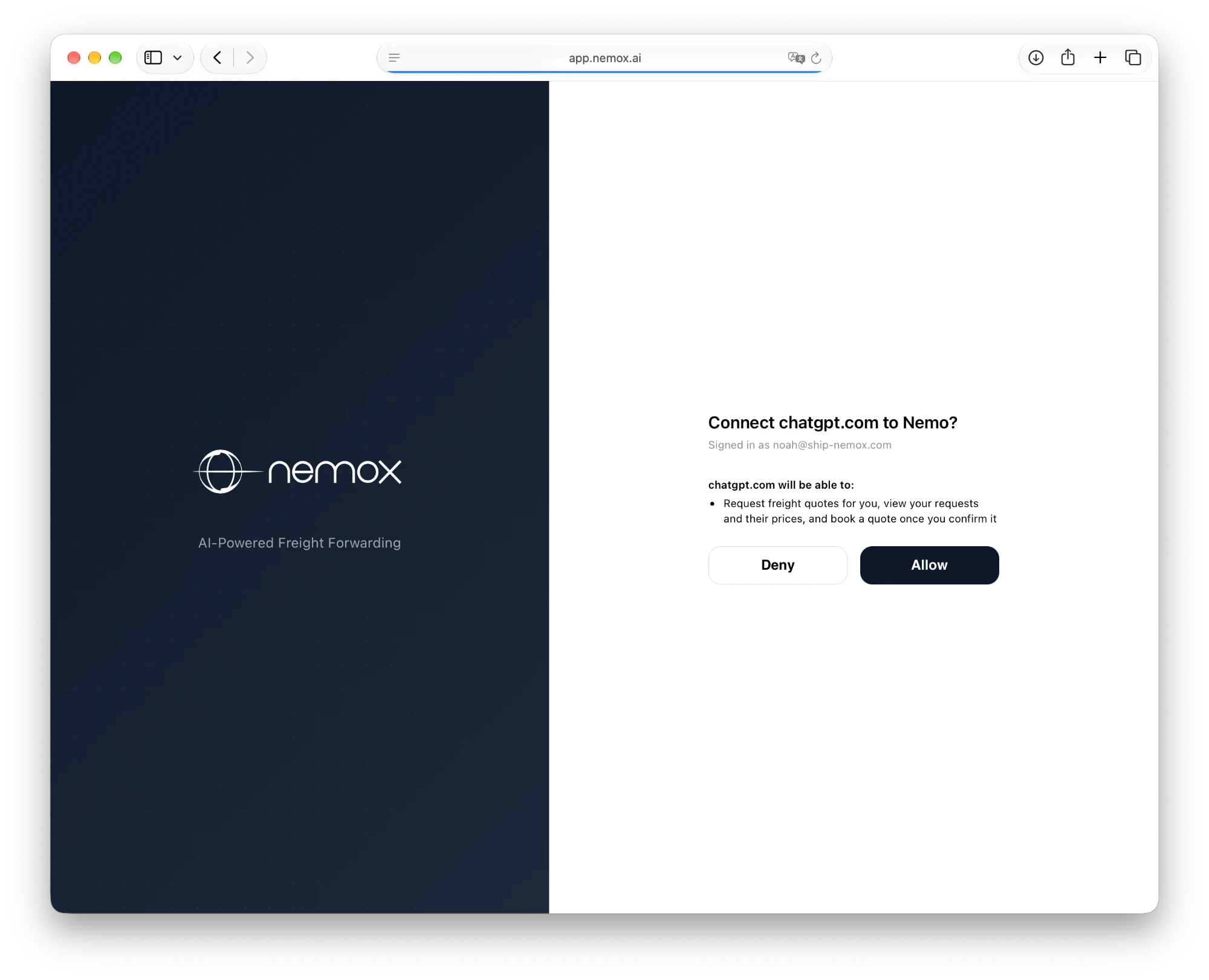
- If asked, sign in with the email address your forwarder invited, then click “Allow”.
ChatGPT Business or Enterprise? A workspace admin may need to add nemox first.
Then just ask.
Say which forwarder you mean and describe the shipment.
“Ask your forwarder for a quote: 2 pallets, 400 kg, from Munich to Chicago, ready next Monday.”
“What would a 20-foot container, 12 t, from Hamburg to Shanghai cost? Ask your forwarder.”
“Ask your forwarder for an air freight quote: 120 kg from Frankfurt to Dubai, ready Friday.”